Cases & views
Open, waiting, completed: the state of a case, assignment, views and history.
A mail is read or unread — that says nothing about whether anyone has taken care of it. Astreo therefore keeps its own case state: open, waiting, done. It belongs to the thread, not to the individual message, and it is where "skimmed" and "finished" can finally be told apart.
The three states
In the header of the open mail the three states sit side by side as buttons:
- Open — the case needs attention. Every incoming mail starts here.
- Waiting — you have replied and are waiting for the other side. Astreo sets this state automatically when you send; nobody has to remember it.
- Done — finished. The case drops out of "Open" but stays fully searchable.
If a reply arrives after completion, Astreo reopens the case by itself and notes it in History. A closed case with an unnoticed new message in it is the most common way to lose a customer.
Assigning: who does this now?
Every case can be assigned to a person – in the mail header under "Assigned to". In the list this shows as a coloured dot with the initials on the right: the user colour makes it clear at a glance who is responsible, without reading names.
Replying assigns automatically. Whoever replies to an unassigned case takes it over. And if a case isn't assigned to anyone yet, the third button reads "Assign to me and complete": a completed case without an owner doesn't answer the question of who did it – so the side effect is spelled out on the button beforehand.
Assign and Complete are action rights. If you lack one, Astreo doesn't show you the button.
Views: fixed questions, fixed lists
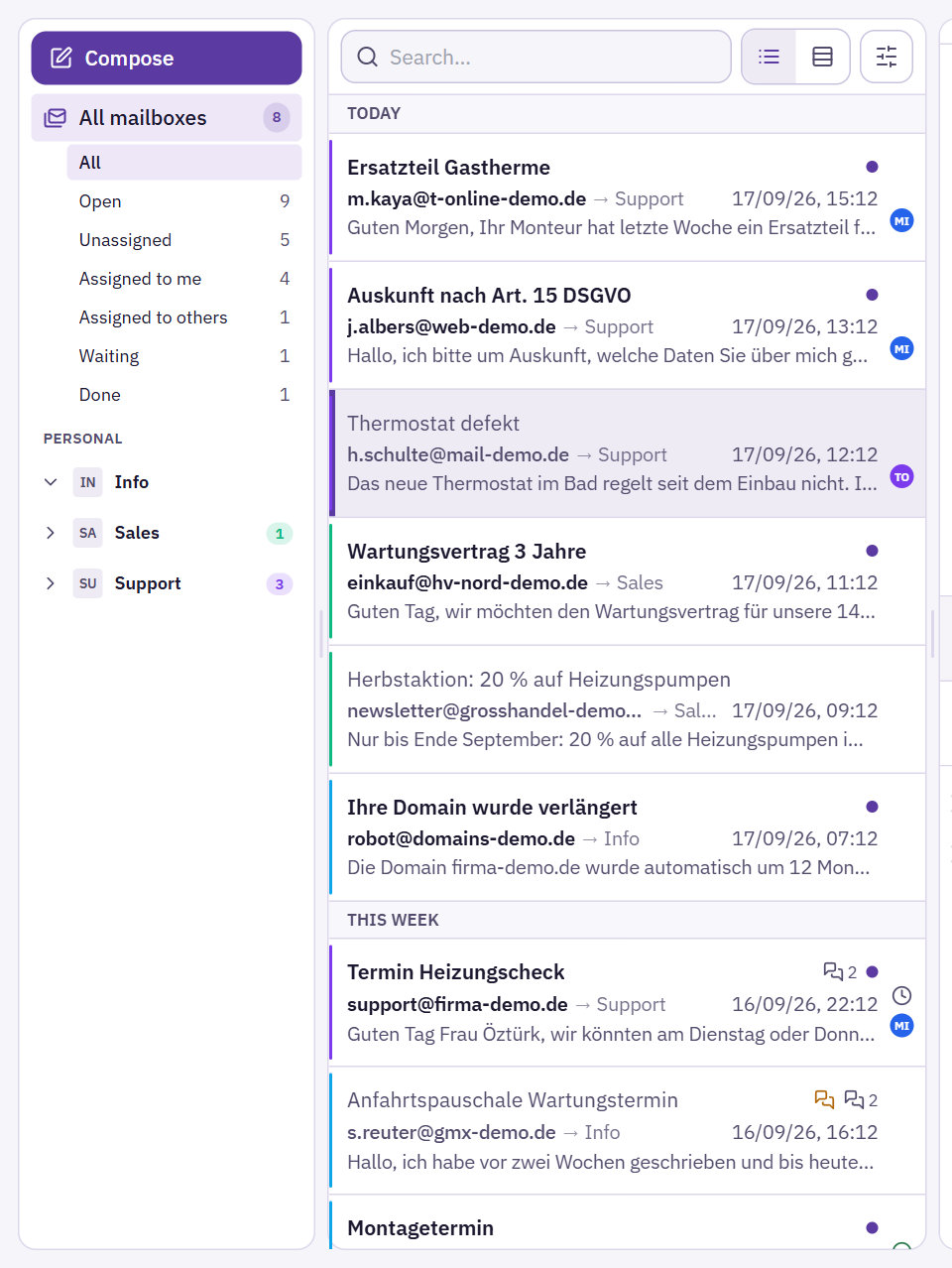
Under every mailbox in the sidebar – and under "All mailboxes" – there is a block that always answers the same questions, with a counter so you don't have to open it first:
- All — everything, unfiltered.
- Open — what still needs attention.
- Unassigned — the most important number in the company. Unowned work isn't a distribution problem, it's an omission.
- Assigned to me — your own work list.
- Assigned to others — what lies with your colleagues.
- Waiting and Done — in someone else's hands or finished.
The three assignment views only appear if you are a member of a team – if you work alone, there is nobody anything could be assigned to. In "All mailboxes", "Assigned to me" is the most useful: your own work across all channels.
With Astreo Clear the view "Hidden" is added. It shows what Clear has taken off the stacks and only appears when there is something hidden.
History: the file on the case
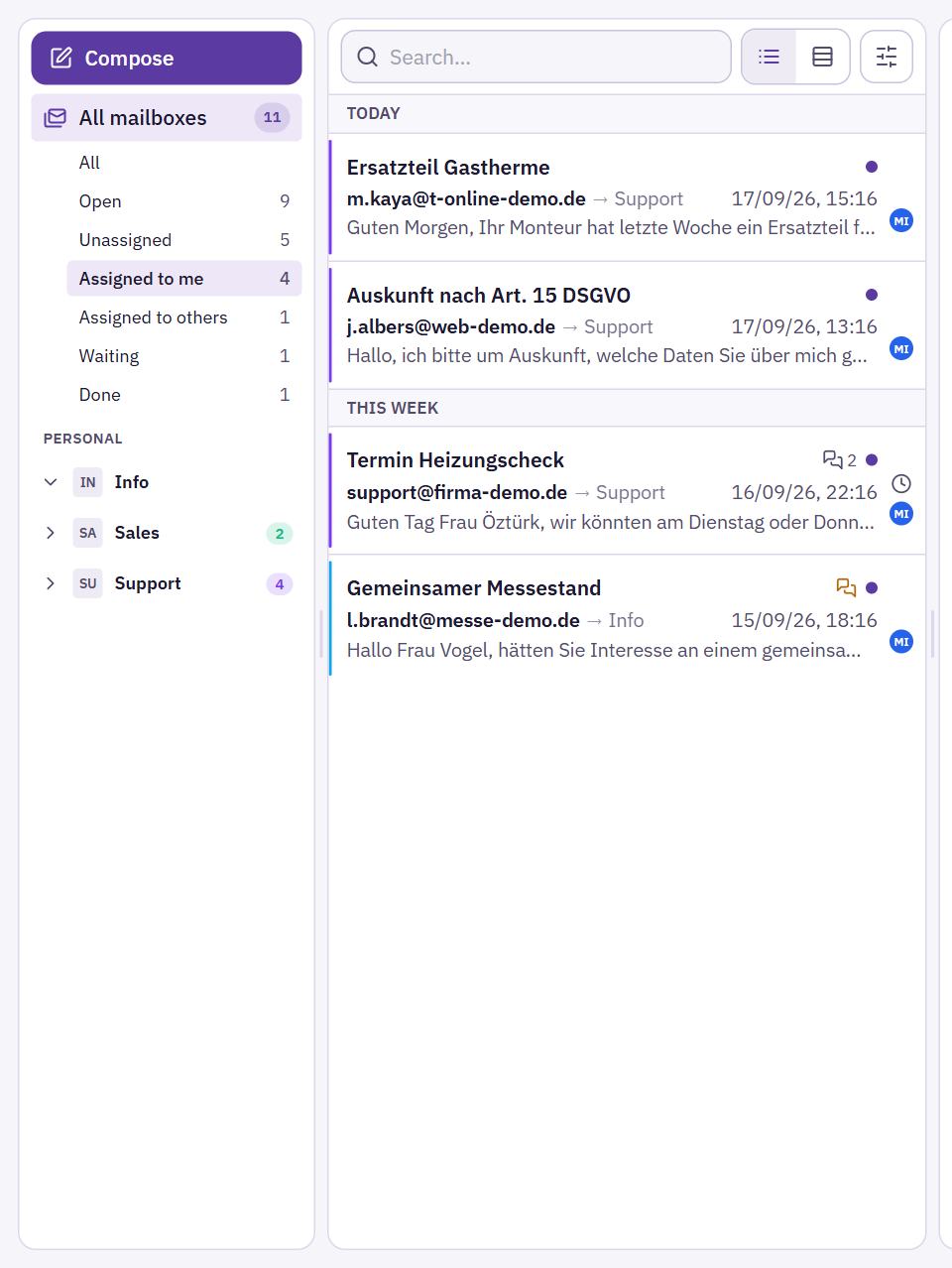
Every assignment, every state change, every chat message, every task created and every move is logged — with person and time. The History button at the far right of the action row opens this file as a window, together with the mails themselves: "Mia assigned Tom → Tom replied → Anna set the case to ‘Done’." Between the entries it shows how much time passed.
Filters at the top of the window show only mail, notes, tasks or the log of actions (the "Activity" filter). The steps of the automation are hidden by default ("Hide system messages"). More in Reading & writing mail.
The icons in the list
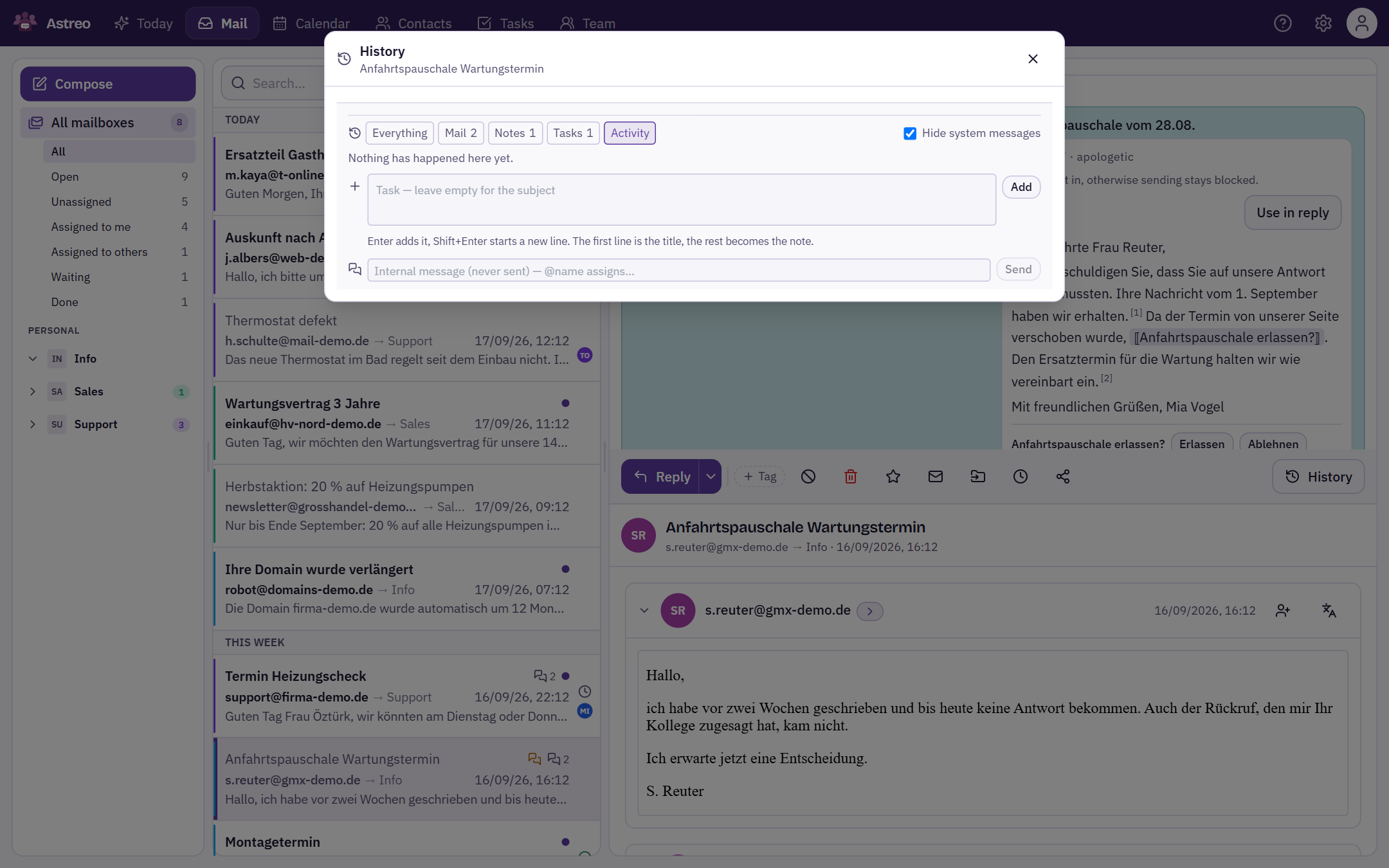
On the right of every row there are fixed slots. Fixed, because icons that move around can't be scanned at a glance:
- Star, if set
- State: dot for open, clock for waiting, check mark for done
- Owner as coloured initials
In addition, a line below the excerpt shows how long a case has been waiting — but only once it is worth mentioning.
With Astreo Clear
With Astreo Clear, state and assignment stay the same, but you operate them elsewhere: the case box in the mail header combines Take it, Hand over, Complete, Remind me and Sort out into one decision – see Deciding a case. The day's work then lives on the Today page.