Team inbox
Turn a shared mailbox into a workflow: members, roles, assignment, notes.
The team inbox turns a shared inbox into a real workflow: clear ownership, internal coordination on the case, and no duplicate work. The team features are Astreo's commercial module.
Team & members
Invite colleagues to your team by email. Members see the shared team mailboxes and work on them together — each still with their own login.
Roles
- Viewer: reads along but cannot reply or change anything.
- Member: works on threads — assign, reply, notes, tags.
- Admin: additionally manages members and team settings.
- Owner: full control including billing and dissolving the team.
Assigning a mailbox to the team
A connected mailbox can stay personal or be assigned to the team. Once a mailbox
belongs to the team, members see its threads and work on them together. That's how support@ becomes a
true shared mailbox.
Assignment
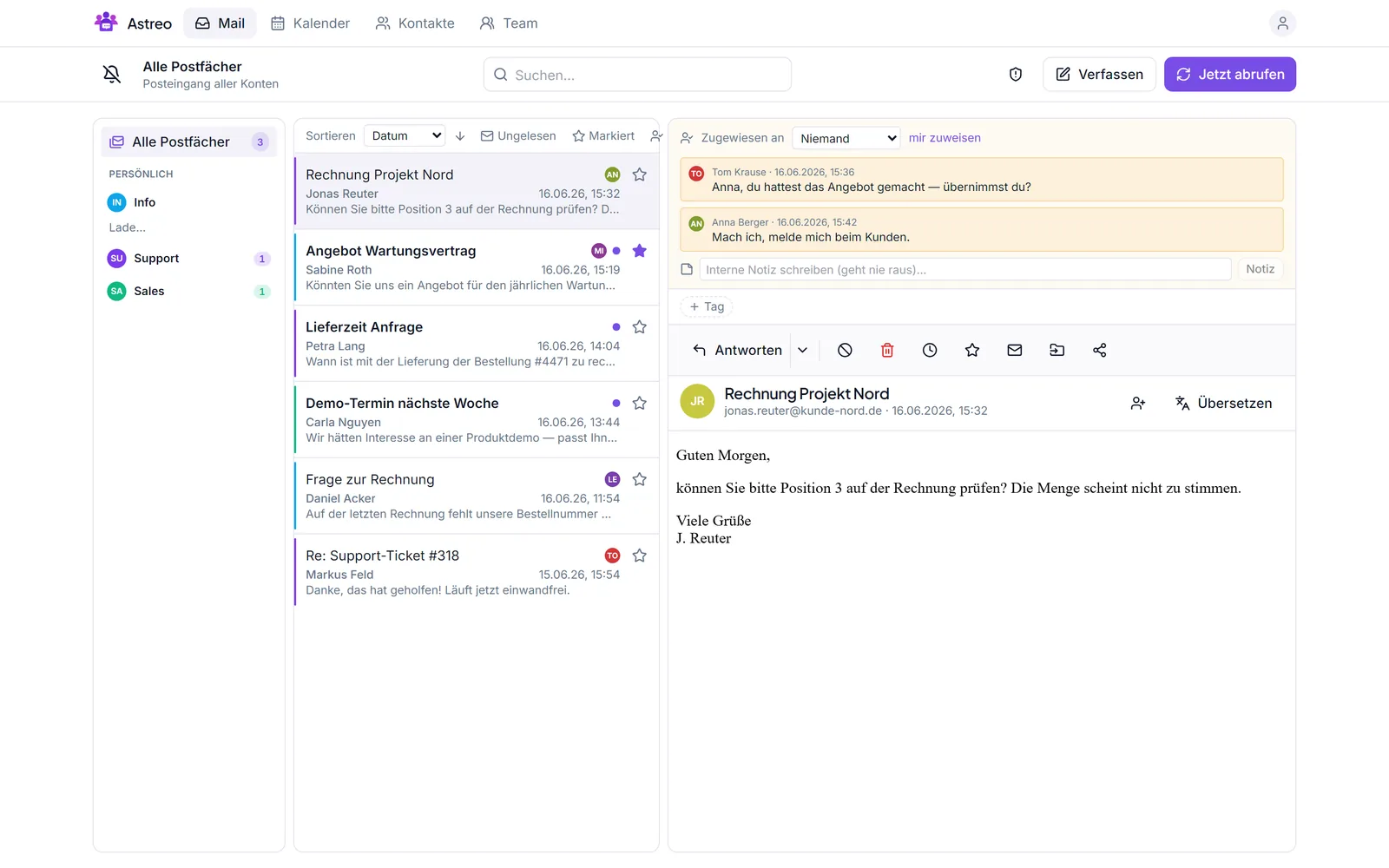
Assign every thread to an owner ("Assigned to"). With the "assigned to me" filter, each person sees their open list. An assignment can be changed or handed back at any time — so it's always clear who's on it.
Internal notes
Coordinate right on the thread: internal notes are visible to the team only and never go to the sender. "Anna, can you take this?" then sits where the case is — not in a separate chat.
Collision detection
Astreo shows in real time when someone is already writing a reply. That prevents duplicate answers, and nobody steps on each other's toes.
Send-as & thread sharing
- Send-as: replies go out under the shared address (e.g.
support@company.com), not your personal one. The history still shows who actually sent it. - Thread sharing: share individual conversations with specific people or the team, even when the mailbox is otherwise personal.