Set up a junk list
Block unwanted senders permanently and server-side.
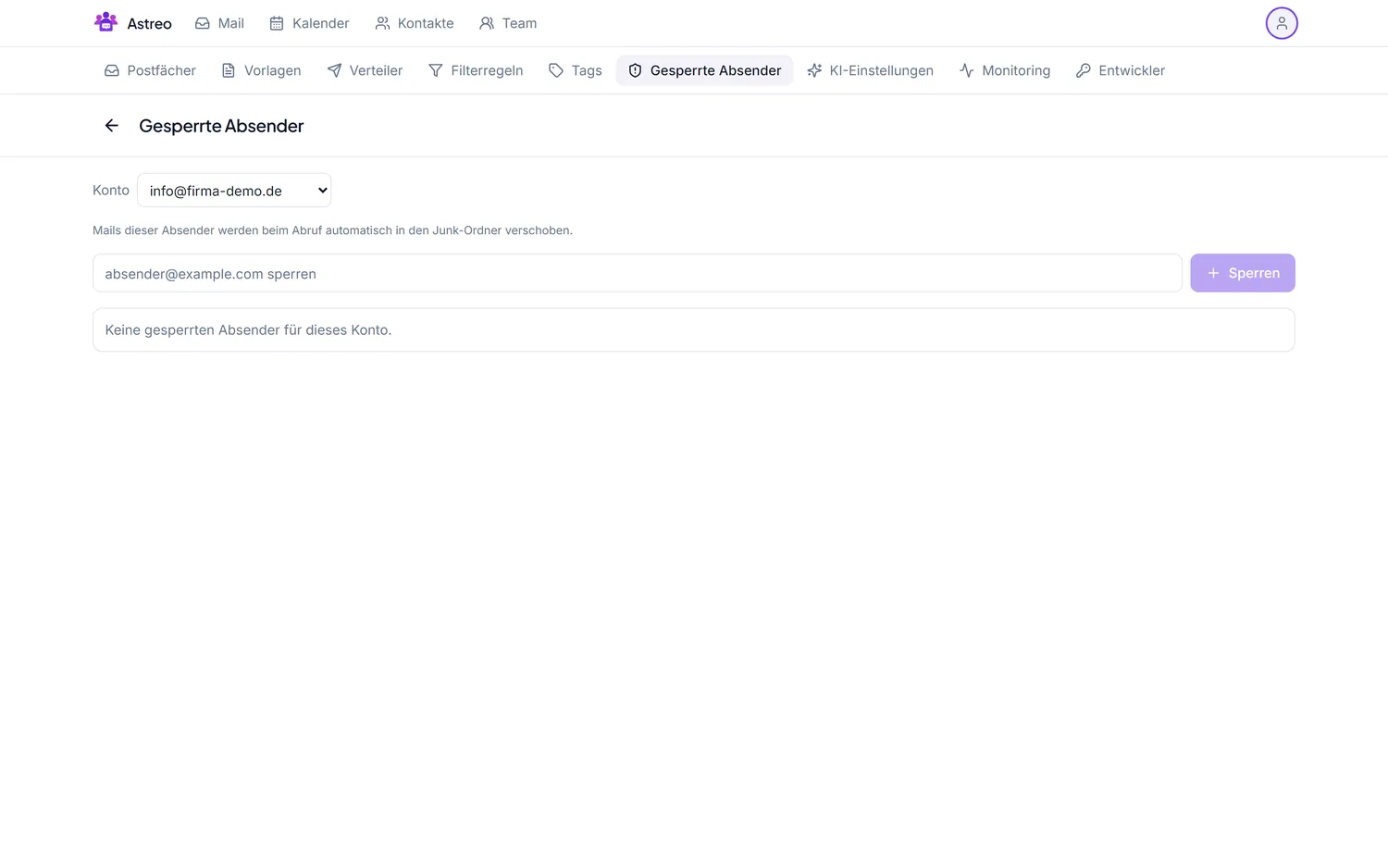
With the junk/spam list (internally "Blocked senders") you block unwanted senders. The block works server-side and permanently — affected mail never reaches your inbox in the first place. This guide shows blocking from within a mail and managing the list.
1. Block a sender directly
- Open a mail from the unwanted sender.
- Choose the action "Block sender" (or "Add to junk list").
- The sender is added to the list immediately; future mail from them is filtered out.
2. Manage the list
- Open the Settings via the avatar menu (top right) and go to the Blocked senders tab.
- You see all blocked addresses. Here you can add entries (individual addresses or whole domains) or remove them again.
- Changes take effect immediately.
3. Extend with filters
For finer rules — by subject or keyword rather than sender — additionally use filter rules, e.g. "move everything with ‘prize draw' in the subject to trash". Blacklist and filters complement each other.
Tips
- If a sender keeps using new addresses, block the whole domain rather than individual addresses.
- Check it's really spam before blocking — a mistakenly blocked address won't get through (but you can remove it again any time).