Set up a distribution list
Create a recipient group and reach many at once with a single name.
With a distribution list you reach a fixed recipient group via a single name — such as "Customer newsletter". This guide shows how to create a list, maintain members and use it when composing.
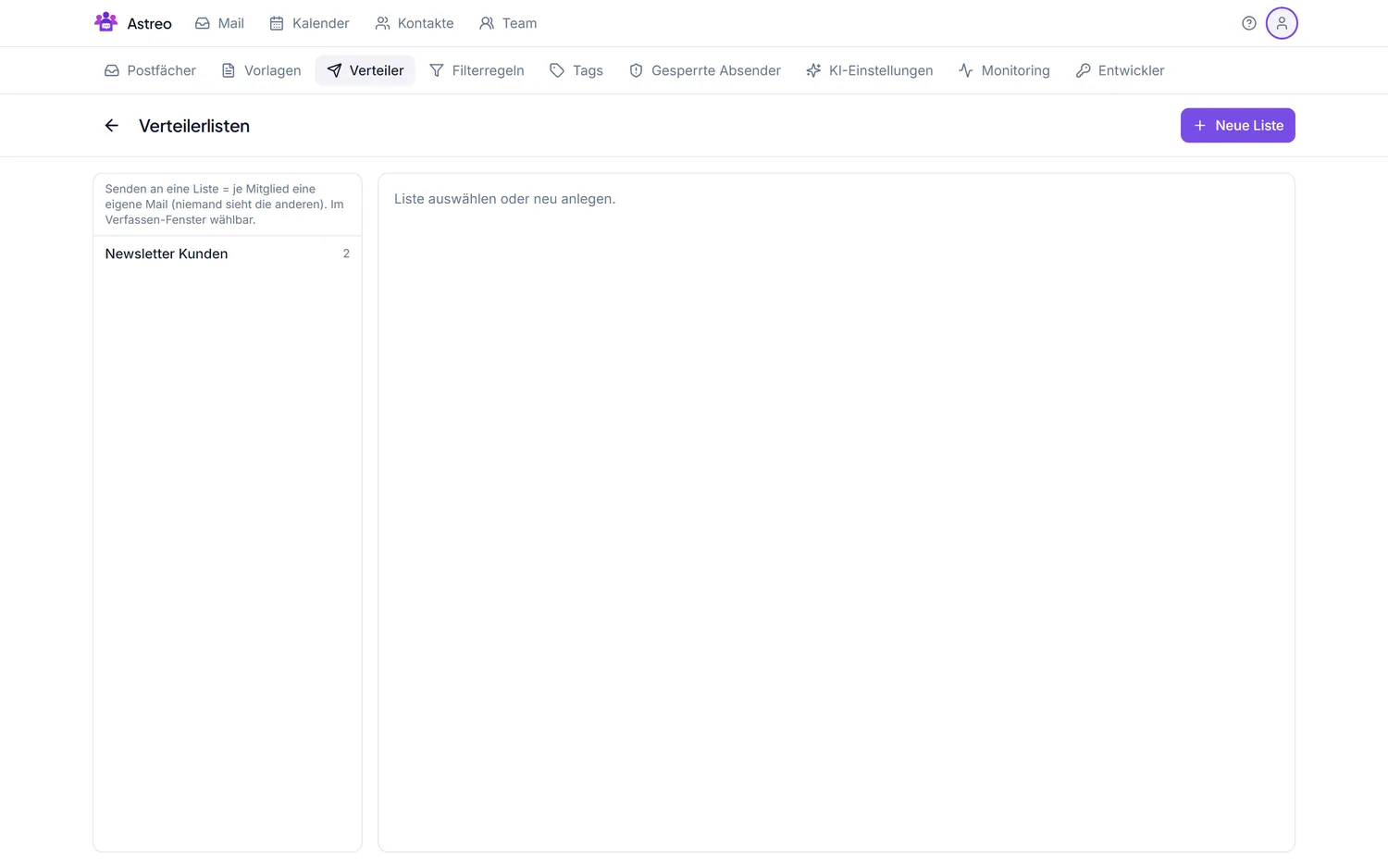
1. Create the list
- Open the Settings via the avatar menu (top right) and go to the Distribution lists tab.
- Create a new list and give it a meaningful name (e.g. "Customer newsletter").
2. Add members
- Add recipients from your contacts or enter addresses manually (name optional).
- Members can be added or removed at any time.
3. Use the list when composing
- Click Compose.
- In the recipient field, enter the list name — all members are addressed.
- Write and send as usual.
4. Maintenance & privacy
- Keep the list current — remove opt-outs promptly.
- For bulk mail to external recipients, put them in BCC so addresses aren't visible to each other.
- Only send with a valid legal basis (e.g. consent) — a distribution list doesn't replace consent management.